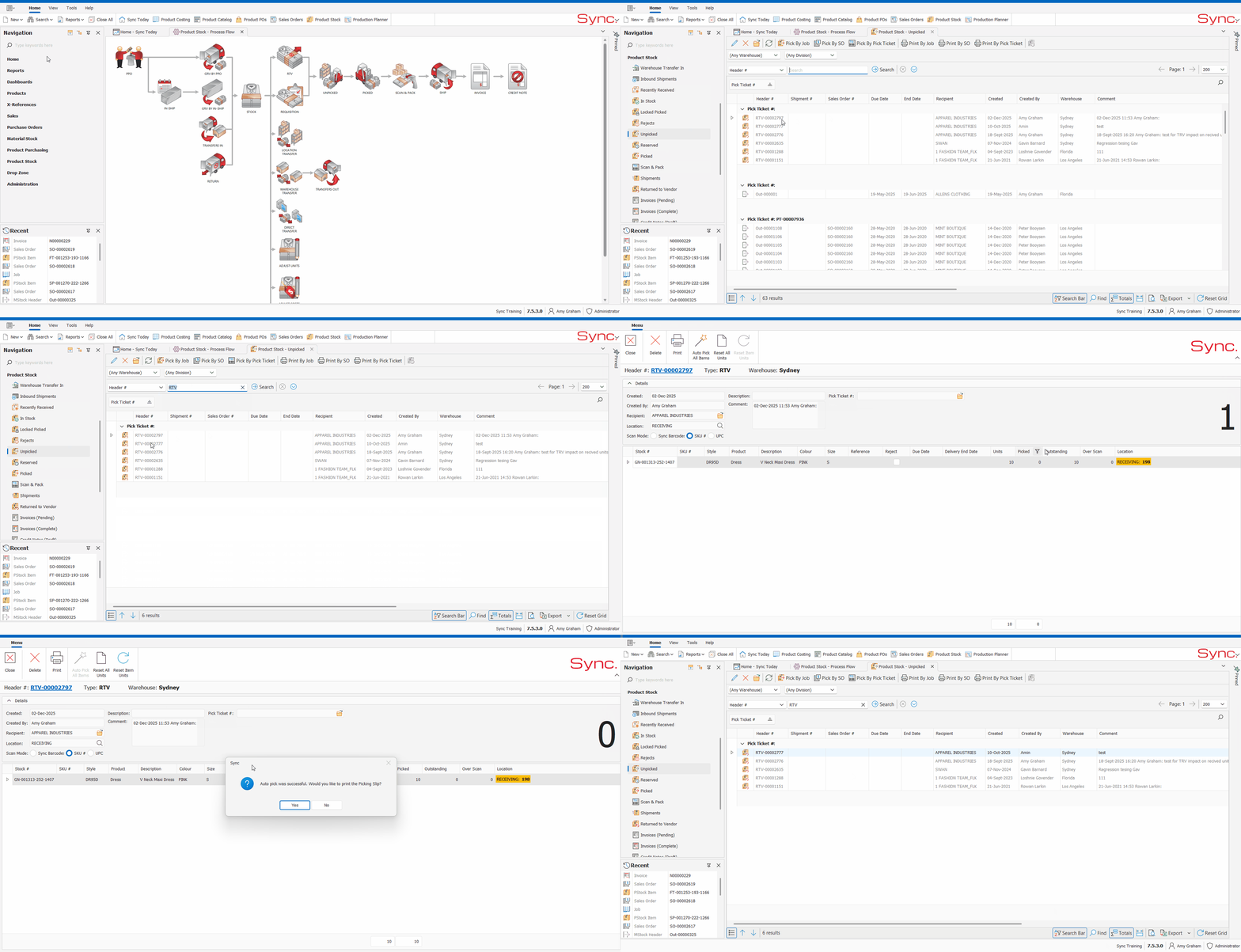
The article outlines the steps to Pick the RTV from the warehouse.
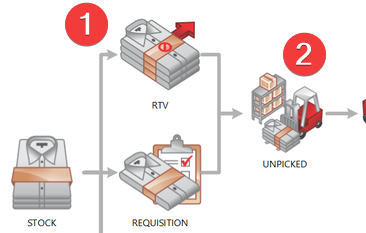
Full RTV is a 2-step process:
2. Pick the RTV
FOLLOW STEPS BELOW:
1. Navigate to the Unpicked bin under Product Stock in the Navigation Pane
2. Search by Header #- 'RTV'
3. Double click on the correct RTV header to open it
4. Auto pick or scan each unit (permission dependent)
5. Click yes or no to print
Your picked RTV can now been found in the Returned to Vendor bin
NB. For a quick tutorial watch below