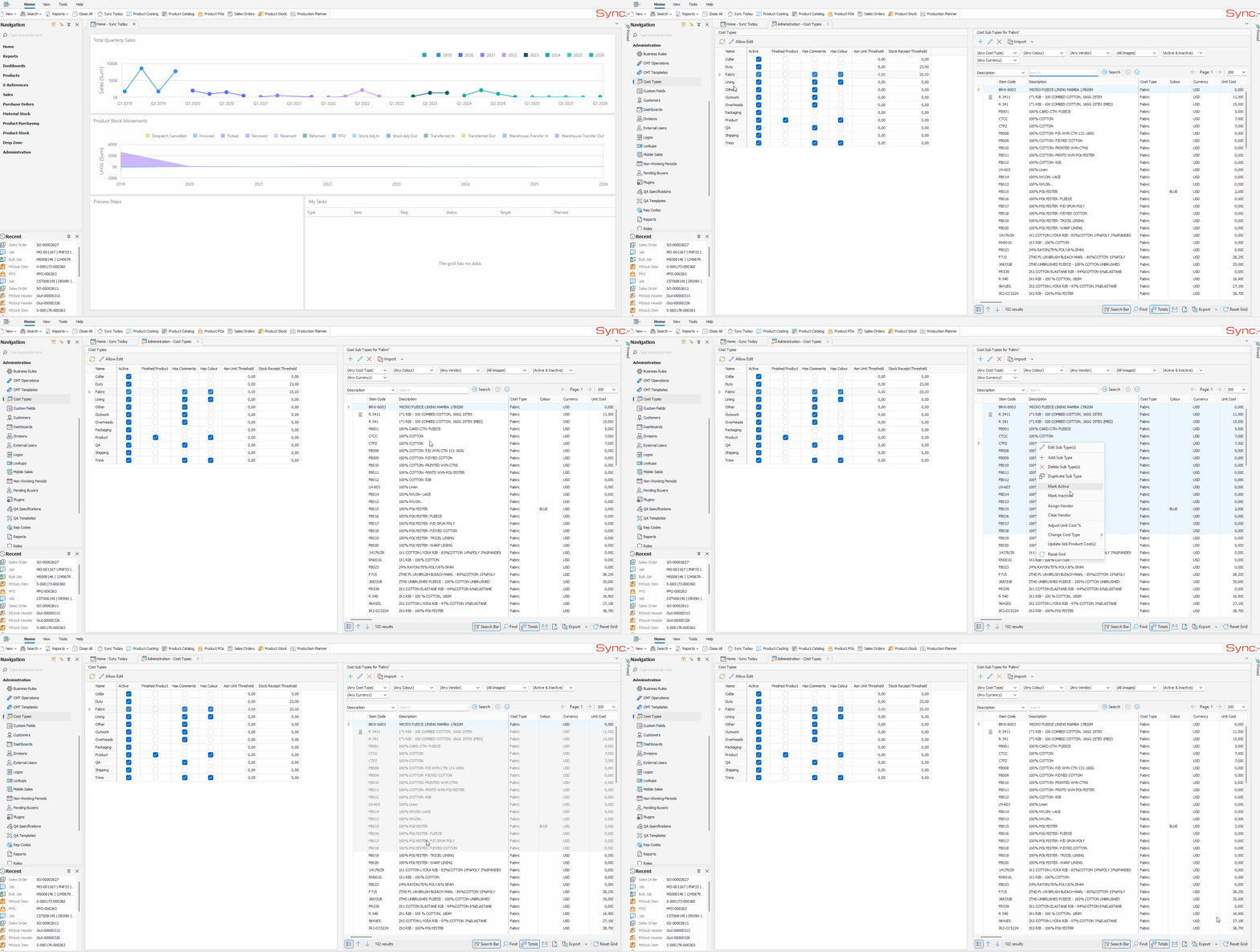
The article outlines the steps to batch update Cost Sub Types as Active or Inactive.
FOLLOW STEPS BELOW:
- From within Admin, Click on ‘Cost Types’
- Click on the ‘Cost Type’ you want to search for an item within and set as Inactive e.g. Fabric
- If required apply filters and select a search criteria e.g. Description
- Enter your search criteria in the search field
- Click ‘Search’
- Hold the "Shift" key and select the required range of Cost Sub Types by left clicking the first and last cost sub type required.
- Right Click on the Sub Type range and select ‘Mark Inactive’
NB. For a quick tutorial watch below