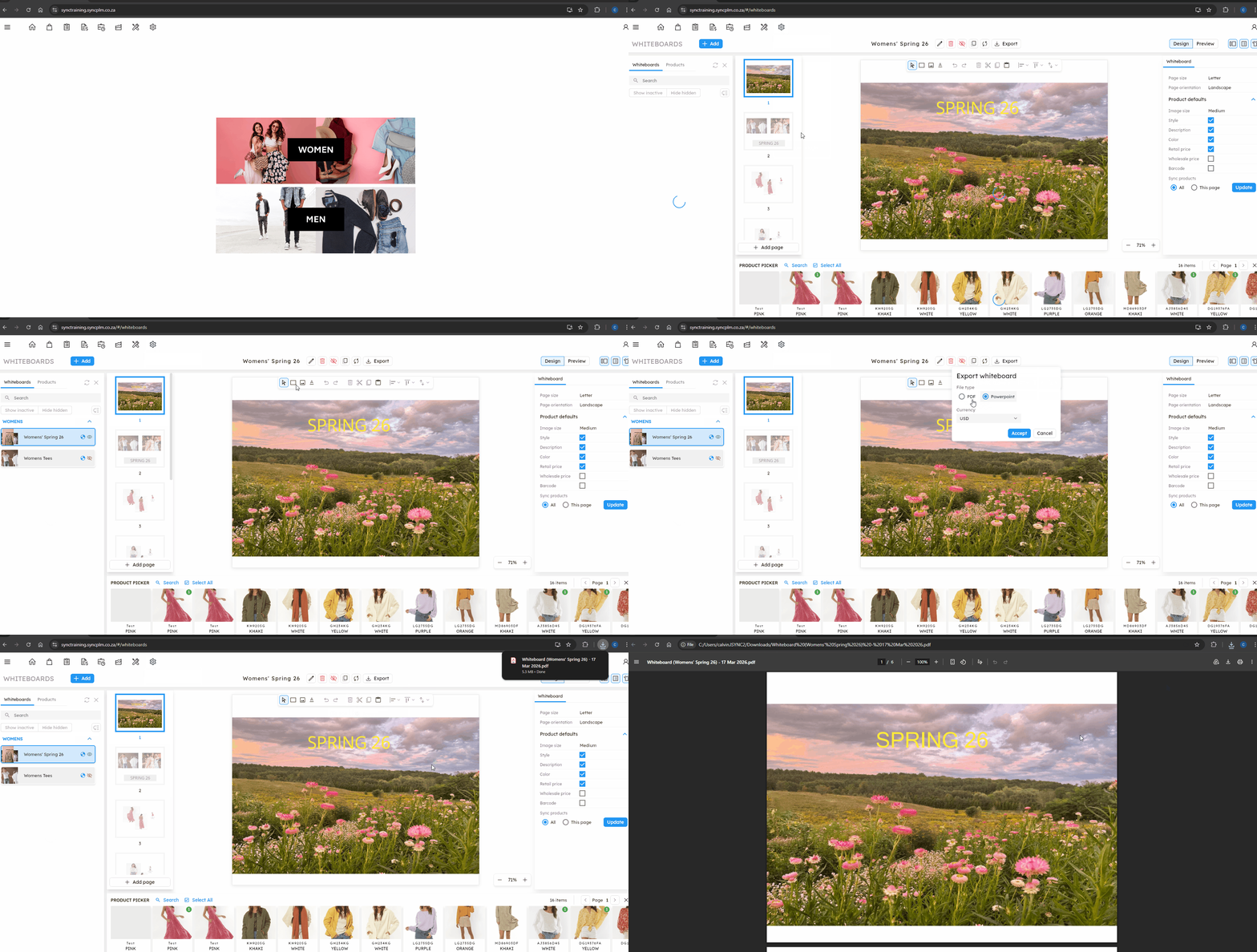
The article outlines the steps to export a Whiteboard in Sync B2B.
FOLLOW STEPS BELOW:
1. Click on the settings icon then Whiteboards
2. Select the whiteboard you are wanting to export
3. Select the 'Export' button
4. Select whether you want this exported as a PDF or a Powerpoint
5. Select which currency you want this exported with (this will be for the price on the products if visible)
6. Click accept
NB. For a quick tutorial watch below