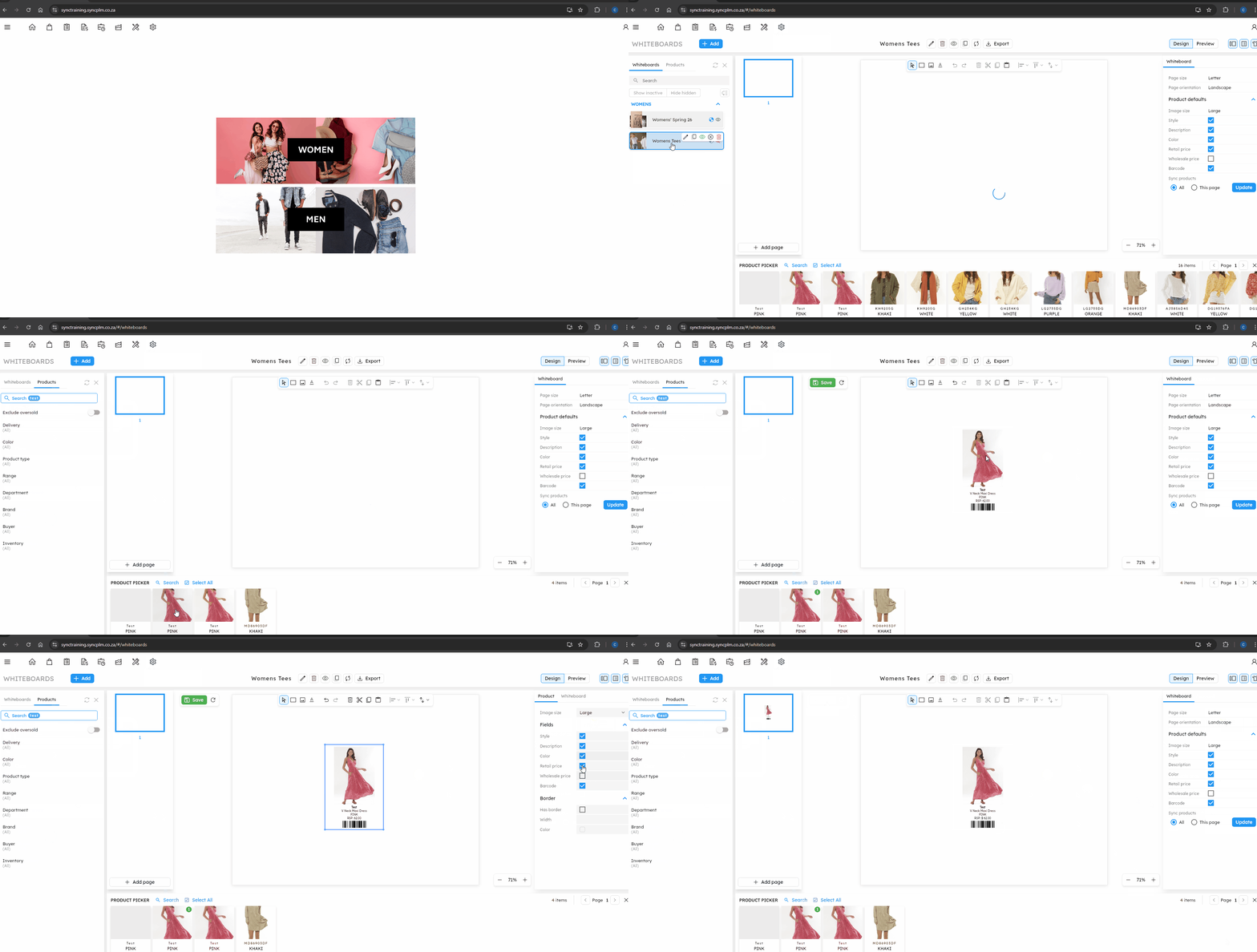
The article outlines the steps to add new products to a Whiteboard in Sync B2B.
FOLLOW STEPS BELOW:
1. Click on the settings icon then whiteboards
2. Select the Whiteboard you are wanting to add products to
3. In the product picker, search for the styles you need added
4. Drag and drop the product onto the whiteboard
5. Amend the properties of the product (such as image size and what fields are visibile)
5. Set the details of the whiteboard (such as page size, orientation and inventory mode)
6. Save the changes to the whiteboard
NB. For a quick tutorial watch below