Download
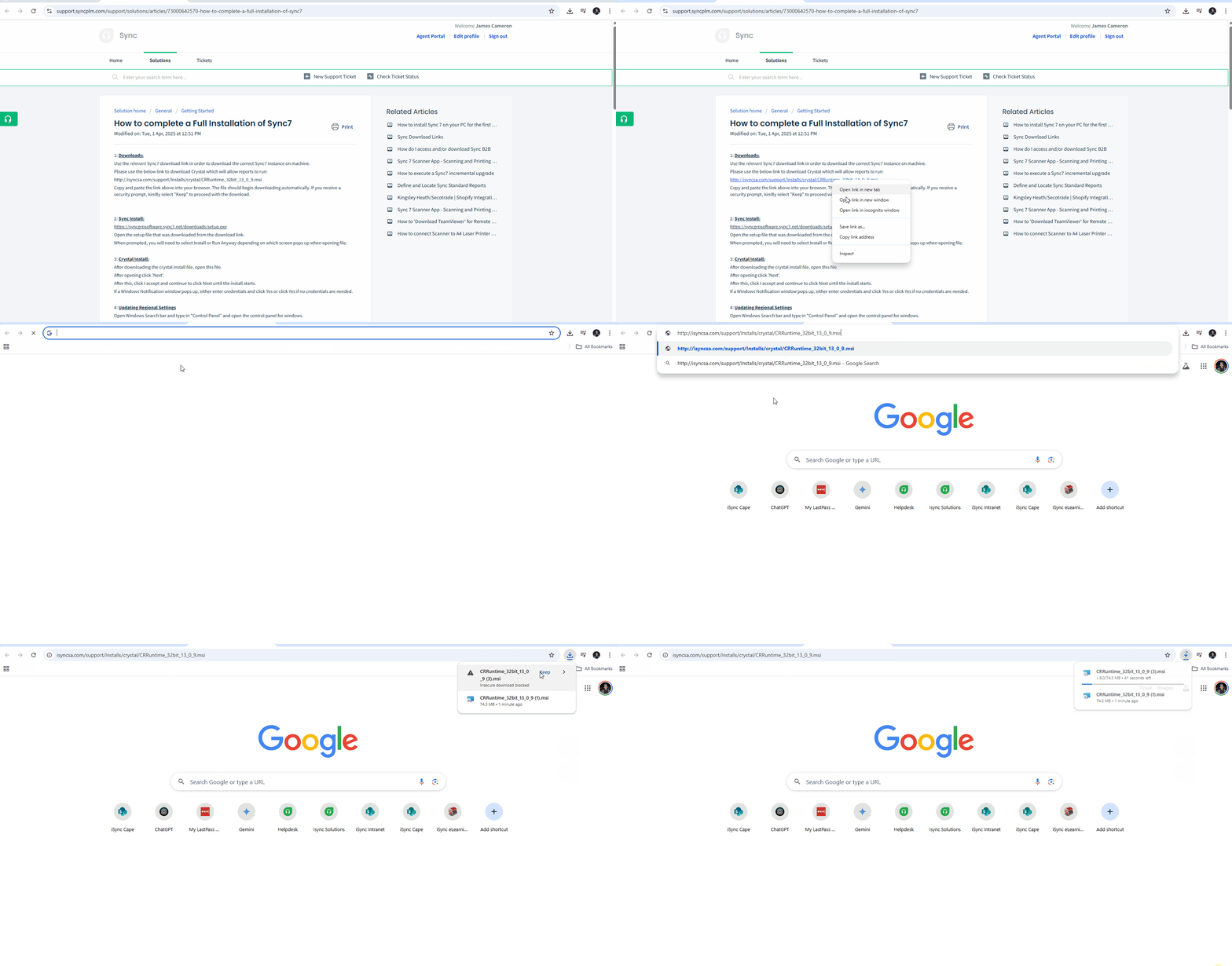
Please use the below link to download Crystal which will allow reports to run:
http://isyncsa.com/support/Installs/crystal/CRRuntime_32bit_13_0_9.msi
Copy and paste the link above into your browser. The file should begin downloading automatically. If you receive a security prompt, kindly select "Keep" to proceed with the download.
Install:
After downloading the crystal install file, open this file.
After opening click 'Next'.
After this, click I accept and continue to click Next until the install starts.
If a Windows Notification window pops up, either enter credentials and click Yes or click Yes if no credentials are needed.
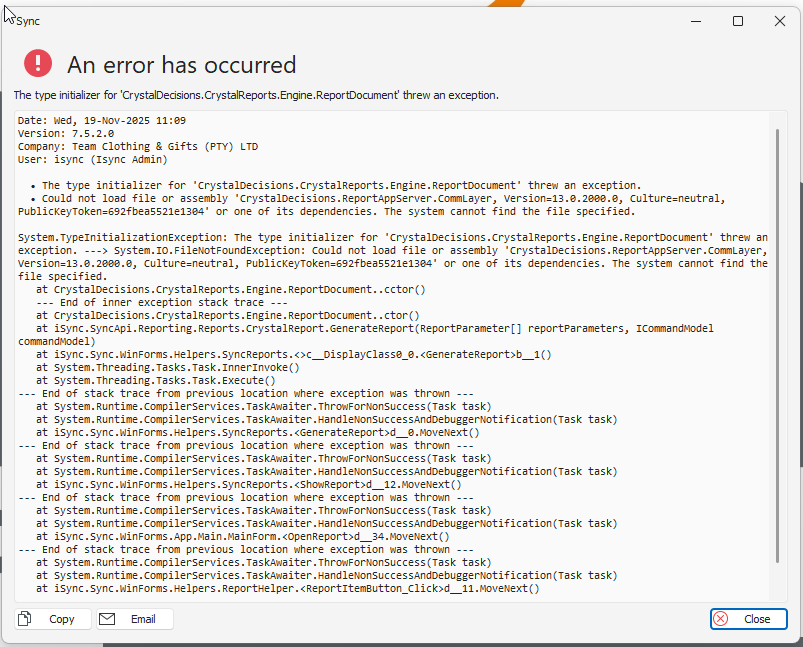
NB! If Crystal Runtime is not installed, you will get the below error when running Crystal Reports in Sync.
• The type initializer for 'CrystalDecisions.CrystalReports.Engine.ReportDocument' threw an exception.
• Could not load file or assembly 'CrystalDecisions.ReportAppServer.CommLayer, Version=13.0.2000.0, Culture=neutral, PublicKeyToken=692fbea5521e1304' or one of its dependencies. The system cannot find the file specified.